Windows 11 KB5132061 Features: Custom Right-Click Menu, Faster Apps
Microsoft's November 2026 Patch Tuesday update for Windows 11, KB5132061, adds a customizable right-click menu and faster performance for apps such as Edge and Firefox. It installs automatically through Windows Update, and offline installers are also available for managed fleets or failed updates.
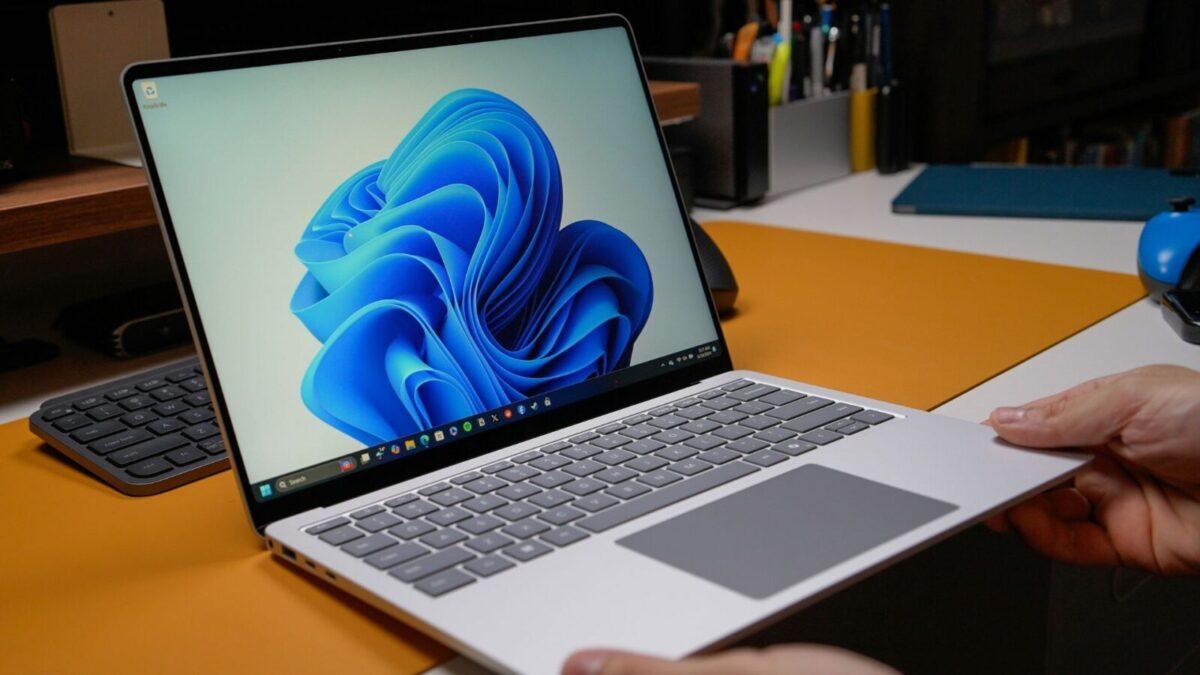
Microsoft released Windows 11 KB5132061, its November 2026 Patch Tuesday update, on November 10, adding a customizable right-click menu and faster performance for apps such as Edge and Firefox. The Windows 11 KB5132061 features are rolling out gradually, so not every PC will show them straight away.
It is a mandatory security update. It downloads and installs on its own as long as Windows Update is turned on and allowed to check for updates.
Build numbers and supported versions
The update appears in Windows Update as "2026-11 Security Update (KB5132061)". Windows 11 26H2 moves to Build 26300.9974, and Windows 11 25H2 moves to Build 26200.9974. The two versions share the same core release, so there are no visible differences between them.
Windows 11 24H2 Home and Pro editions no longer receive updates, because support for them ended in October 2026. Only 25H2 and 26H2 are currently supported Home and Pro versions for x64 PCs. Newer Arm PCs, including Snapdragon X2 and Nvidia RTX Spark machines, rely on Windows 11 26H1.
What is new
The headline change is a "Customize menu" option. Once it reaches a PC, right-clicking anywhere in Windows 11, including File Explorer, shows the option. It opens a new Customization page in Settings > Personalization, where users choose what appears in the menu.
Microsoft's notes list the changes as gradually rolling out. That means some users will not see any difference immediately.
Other updates and download sizes
Microsoft shipped several other updates alongside it. They include .NET 10.0.15 (KB5135241), .NET 8.0.34 (KB5135243) and .NET 9.0.23 (KB5135242) security updates for x64 clients. The Windows Malicious Software Removal Tool x64 v5.147 (KB890830) also received a new version.
Microsoft has posted direct download links for the KB5132061 offline installer (.msu) for 64-bit and ARM64 PCs. Most people do not need them. They suit administrators managing hundreds of PCs, or anyone whose Windows Update keeps failing.
Size is the catch. Installing through Windows Update means a download of roughly 1 GB to 1.5 GB, while the offline package from the Update Catalog is about 5 GB. Windows 10 updates once came in under 300 MB through Windows Update and close to 900 MB through the catalog.
Windows 11 updates are larger now because they come bundled with AI models for supported PCs. To install, open Settings > Windows Update, check for updates, and download Build 26300.9974 (26H2) or Build 26200.9974 (25H2).