Apple MacBook Pro OLED: Amazing OLED Panel From £2,899
Apple has redesigned the MacBook Pro for the first time in five years, adding an OLED touchscreen, the first on a Mac. The 14in and 16in models start at £2,899 ($2,899), sit above the LCD models and are lighter than their predecessors.
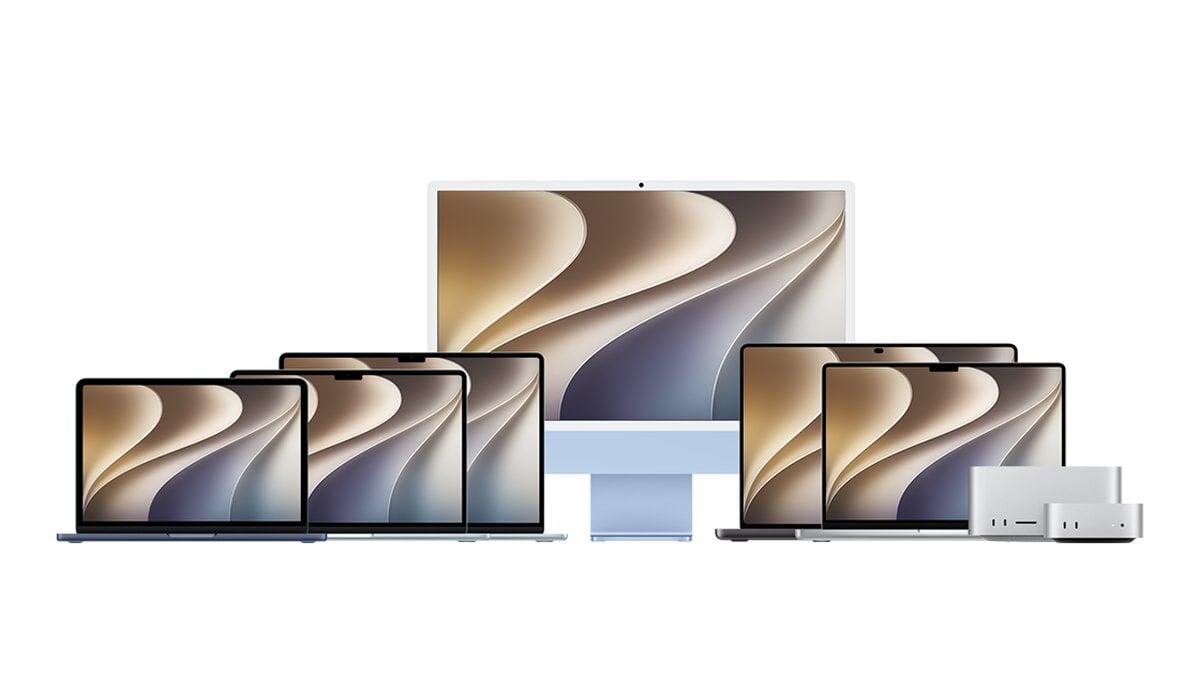
Apple's redesigned MacBook Pro, with an amazing OLED panel and the first touchscreen on a Mac, starts at £2,899 (€3,299, $2,899, A$4,599), according to a review published on November 10, 2026.
It is the first redesign of Apple's flagship laptop in five years. The machine gets slightly slimmer and significantly lighter.
Price and sizes
The new MacBook Pro with PROLED XDR display comes in 14in and 16in sizes. It does not replace the standard MacBook Pro. It sits alongside it as a pricier option.
The OLED models cost £400, or the equivalent, more than matching LCD versions. Rising memory costs, nicknamed RAMageddon, have pushed prices up further.
Lighter, same look
From the outside, the OLED model looks almost identical to earlier ones. It keeps the aluminium body, the mix of ports and the overall profile. Lifting it shows the difference.
The 14in version weighs 1.38kg, which is 14% lighter than its predecessor. That is only 150g more than the 13in MacBook Air. The 16in version weighs 1.82kg, 15% lighter.
The OLED display
The screen reaches a peak of 2,000 nits for outdoor or HDR viewing, making it one of the brightest laptop screens available. OLED pixels light individually, which gives deeper blacks and removes blooming.
The 14in model has a 14.2in tandem OLED panel (3024x1986, 254 ppi) and the 16in a 16.3in panel (3472x2266, 254 ppi). Both run ProMotion, a refresh rate that varies from 10Hz to 120Hz. A dynamic island, as on a modern iPhone, sits around the webcam.
How the touchscreen works
Touch is not new on laptops. Windows machines have had it since 2012. On the Mac, it mostly mirrors mouse clicks. A single tap selects, and tap and hold gives a right click.
It also handles trackpad gestures such as swipes, pinch to zoom and rotate. A three-finger swipe triggers Mission Control, and flicking windows left or right snaps them to the screen edge. Unsnapping them needs a mouse.
Swiping in from the right opens notification centre. Swiping down from the top right opens control centre. Swiping from the dynamic island brings up Spotlight or Siri.
The Mac is not touch-first like an iPad, and there is no on-screen keyboard. Apple has built touch tools for third-party developers, such as controls that fan out around a finger, though few apps use them so far.
Performance and battery
The OLED models use the same M5 Pro or Max chips and memory options as the regular MacBook Pro. Benchmark and everyday performance is essentially the same. Battery life is similar, at about two days of office work centered on browsing, writing, messaging and note-taking.
Connectivity includes wifi 7, Bluetooth 6, Thread, three Thunderbolt 5/USB 4 ports, HDMI 2.1, an SDXC card slot and a headphone jack.