GTA 6 Preload: 5 Things You Need to Do Before November 10
Rockstar Games unlocks the Grand Theft Auto 6 preload on PS5 and Xbox Series X|S on November 10, ahead of the November 19, 2026 release. The download needs up to 212 GB, and there is no disc edition. Here is how to prepare.
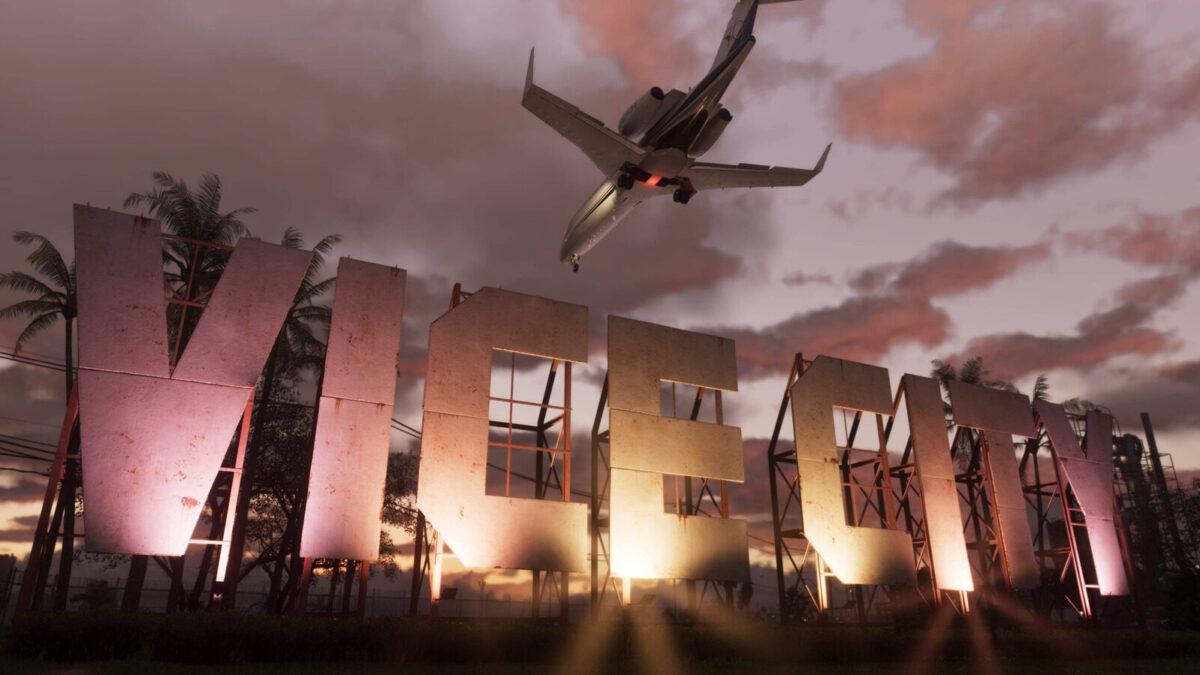
Rockstar Games will unlock the preload for Grand Theft Auto 6 on PlayStation 5 and Xbox Series X|S on November 10, ahead of the game's November 19, 2026 release. The download is huge. Here are the 5 things you need to do before it starts.
1. Free up storage
Rockstar has confirmed the preload will need up to 212 GB of space, depending on the console. If you do not have that much free, you must delete games or add storage.
The game will not ship on disc, so there is no way around the download.
2. Use the right kind of drive
A USB drive will not work for GTA 6. PS5 games kept on USB extended storage must be copied back to the console before they can be played, so an M.2 SSD is the only real expansion option on PS5.
On Xbox Series X|S, games have to run from the internal SSD or a Storage Expansion Card. Xbox owners can use the console's Free up space tool to find old add-ons and duplicate files.
3. Know your start time
Rockstar says PS5 owners can start preloading at midnight local time on November 10. Xbox works differently: the preload unlocks globally at midnight GMT.
For players in the United States, that is 7 p.m. ET (4 p.m. PT) on November 9. US Xbox owners can therefore begin the night before anyone on PS5.
4. Update your console first
Xbox consoles check for updates every night by default. But if a mandatory update is waiting, you cannot connect to Xbox network services until you install it.
If your console has been off for a while, turn it on and check for updates before the preload goes live. PS5 owners have it easier, since system updates can download and install on their own in Rest Mode as long as the console stays connected to the internet.
The game is roughly 212 GB, so download time depends on your internet speed.
5. Check your physical copy plans
Buying a boxed copy does not give you a disc. The box contains a code that unlocks the digital version of the game.
Physical copies are not expected to reach retailers until November 12, so those buyers will have to wait a few more days to preload. PlayStation codes are region locked. The Ultimate Edition will not be sold in stores; you must buy that upgrade after redeeming your code.